A Computer That Remembers Even What I’ve Forgotten
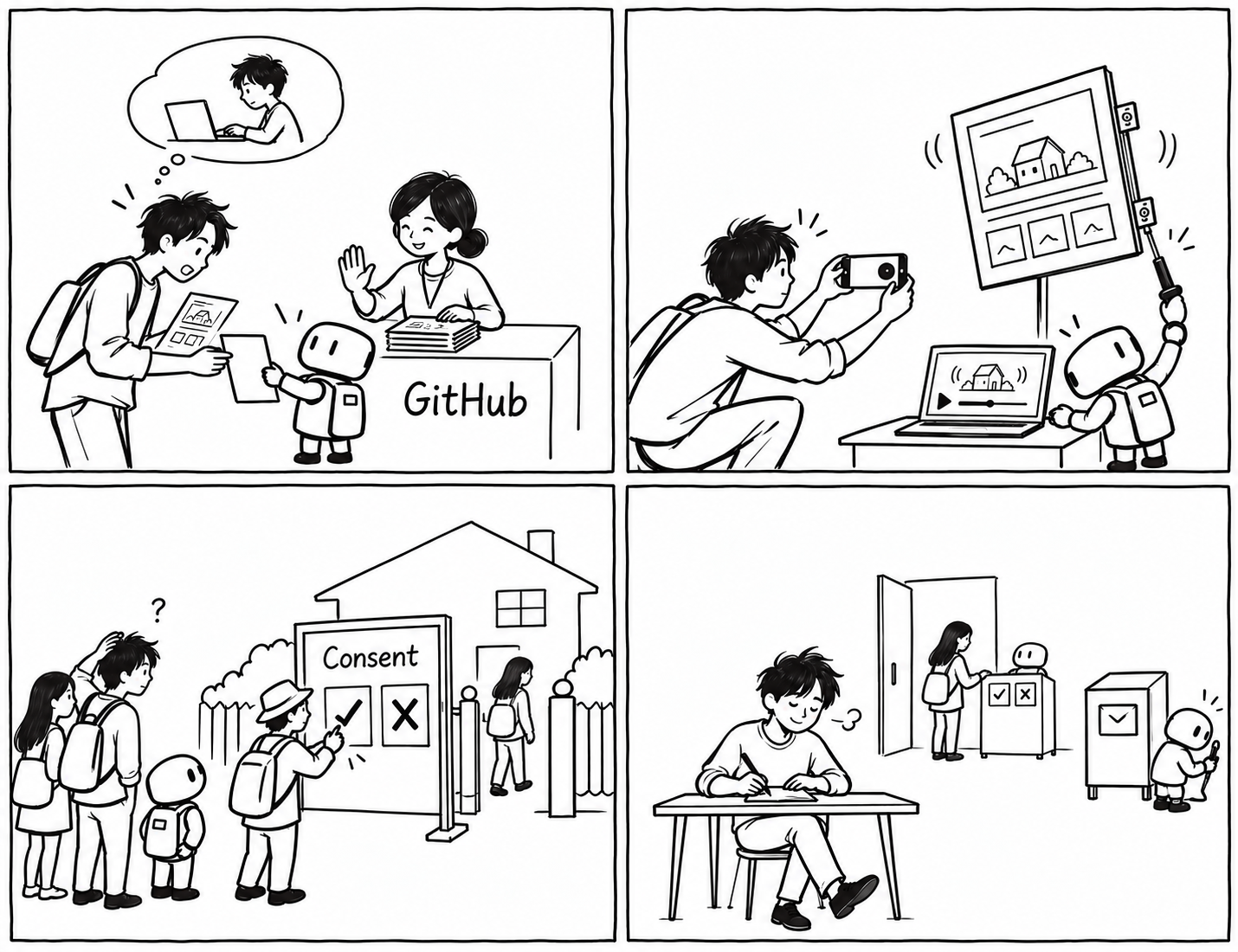
I tried to send my changes to GitHub, but the push was rejected. I was the only person building this site. Who could have uploaded something before me?
It turned out to be the article I’d edited in Pages CMS a little earlier.
Pages CMS is an editing interface that makes it easier to work on articles. Editing something there changes the files and change history on GitHub. But it doesn’t automatically update the files on my computer. My computer — the local copy — still had the old manuscript, while GitHub, the remote repository, had the new one. I thought I was working on the same site, but the copies I was working with were different.
With Codex’s help, I checked the history on the other side. It was a perfectly legitimate article edit from Pages CMS. I brought in the new history with git fetch, used rebase to apply my work after those changes, then sent it back with push. Fetch meant bringing in the new history; rebase, in this case, meant applying my work on top of it; and push meant sending it back.
My changes hadn’t been rejected because I’d broken the site. There were simply changes already on GitHub that my computer didn’t know about.
In Git, you choose which changes to record before making a commit. That step is called staging, and git add does that job. Adding -A includes additions, modifications, and deletions across the whole repository. The computer diligently picks up not only the work I’m thinking about, but also the work I’ve forgotten.
So I try to check the scope of the changes before recording them. git status shows which files have changed and which are ready to be committed. git diff --cached shows the actual changes selected for the next commit.
I learnt that asking AI to make changes and checking where those changes go — and how much they affect — are separate things. Recording the work in smaller chunks seemed likely to make it less confusing if I later needed to undo something or find the cause of a problem.
The First Problem
The screen looked perfectly fine on my computer. But on the live site, it wobbled from side to side. I explained what was happening dozens of times and even showed the AI pictures, but it just kept going round in circles. Only after I uploaded a video of the wobbling text did it finally understand the exact problem and give me a fix that worked straight away. So the problem was me after all. A clever AI, and me not knowing how to give it clever instructions…
The Consent Pop-up
I’d only wanted to share my writing. Now, apparently, I had to ask visitors for their consent too…
At first, I built my own consent pop-up with AI’s help. But once I added analytics and advertising, I realised the reader’s choice had to be reflected in those services as well. If someone clicked “Reject” and the relevant data was still being used, their choice meant nothing. The site had to receive the choice, pass it on, and make sure the relevant code behaved accordingly.
A CMP is a platform that manages this consent. I added InMobi Choice and checked the Google-related settings and the link to my privacy policy. Just because the pop-up appeared didn’t mean everything behind it was connected properly. After setting it up, I also checked the site in an incognito window. My usual browser might remember an earlier choice, so I needed to see what a first-time visitor would see. Once I’d confirmed InMobi was working, I removed the old ConsentManager.
Then I changed the large pop-up in the middle of the screen to a Bottom Tray at the bottom. I kept the options to agree, disagree, and make more detailed choices, while letting it cover less of the writing.
Having My Own Site Didn’t Mean Doing Everything Myself
AI made it possible for me to build all sorts of things. But once something was built, I still needed to understand how the pieces connected and look into any problems that came up.
So I decided to leave consent management to an existing tool. I split the work between what my site would handle and what another service would handle. Email subscriptions worked in much the same way. The input field was on my site, but Kit received and managed the subscriber information and sent out updates.
The more features I connected to other services, the more important it became to work out where a problem was happening. Was it in my code, the external service’s settings, or the connection between the two?
I still can’t write all the code on my own. But now I can ask the AI not just what to build, but which parts it will change, whether those changes affect existing features, and how I can check that they work.
Comments
Sign in with Google to leave a comment.
Loading comments…
No comments yet. You can start the conversation.