On the blogging platforms, I just clicked “Publish” and that was it. I’d already learned that building and deploying were two different things. Now it was time to understand how they connected. Oh dear…
The computer needed to know where I was working, too
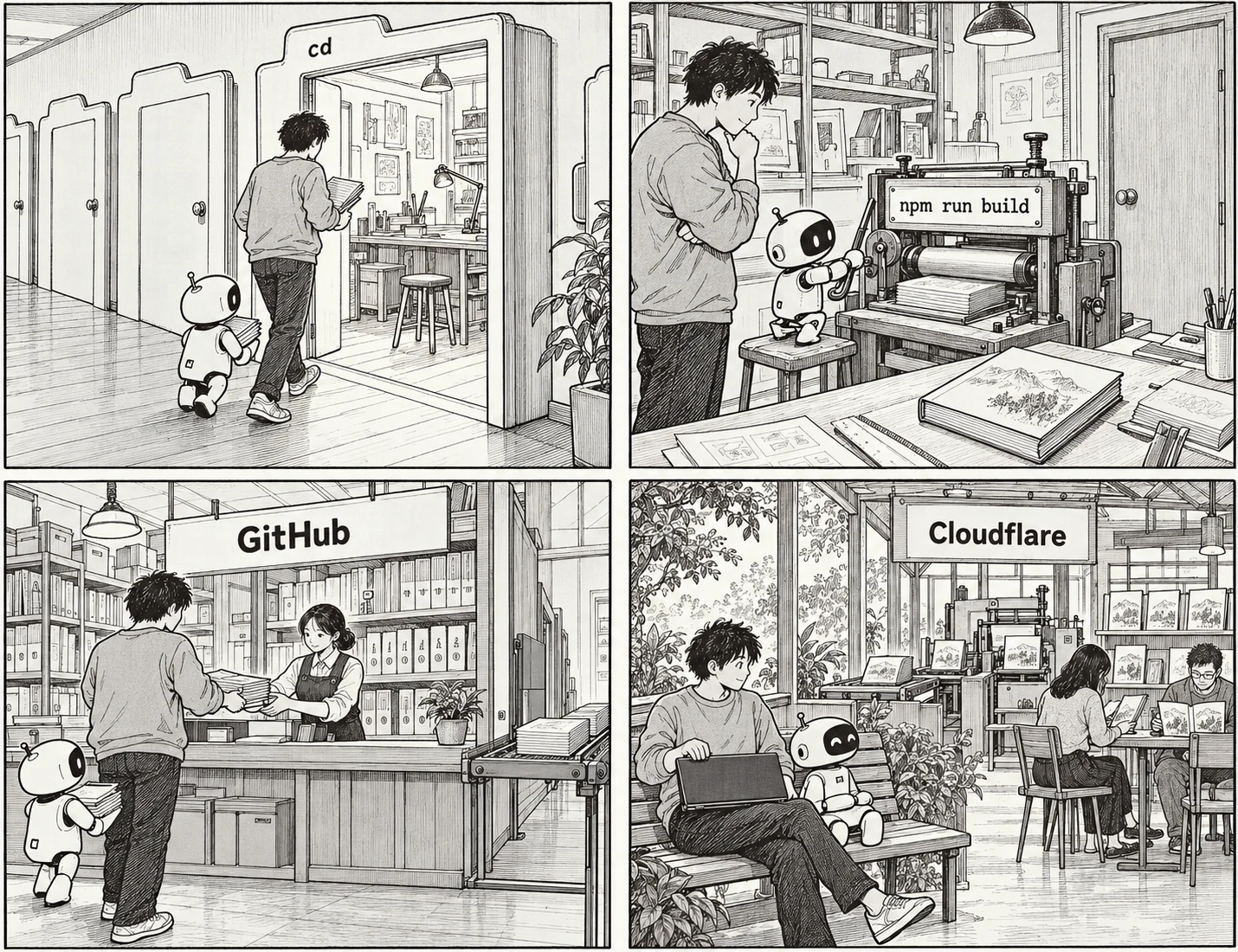
One of the commands I kept seeing in the terminal was cd. It means moving into the folder I wanted to work in. The name stands for “change directory” — literally, changing folders. With so many files on my computer, I first had to tell it, “This is where we’re working.” Just because I was thinking about my website didn’t mean the terminal was looking at the same folder. cd didn’t move the files themselves. It changed the location from which the next commands would run.
Once I was in that folder, npm run build began to make a little more sense too. Earlier, I’d understood npm as a tool for fetching the software the project needed. But it could also run tasks that had already been set up. This command meant asking npm, “Run the task called build in this project.” In my project, that task gets Astro to build the site.
Thinking of a build as turning a manuscript into a book helped me understand it. If my writing and layout files were the manuscript and editing materials, Astro brought them together to produce something a reader’s browser could display. By default, those finished files ended up in a folder called dist. But making a book doesn’t mean you’ve delivered it to a reader. In the same way, building the site didn’t mean it was live on the internet.
Storing the files and showing the site were different jobs
Next, I connected GitHub and Cloudflare.
At first, I wondered why I needed two services to put files on the internet. On my site, they had different jobs. GitHub stored my writing, code, and the history of changes to them. Cloudflare took those files, built the site, and made it available for people to visit.
This was where git commit and git push appeared in the terminal. Git is a tool for managing change history, and a commit records a selected set of changes together. But that record is created on my computer first. Push is what sends it to GitHub.
Saving a file, recording the changes, and sending that record to another repository were separate things. At first, I wondered why saving something had to be such a production. But once I understood where each job began and ended, it became less confusing.
I’d connected my site so that when new changes arrived on GitHub, Cloudflare would build and deploy it automatically. The same sort of task I’d struggled to understand on my computer — npm run build — was now also being run on Cloudflare. The build and deployment had to finish successfully before readers could see the changes.
The address connected to that published site was ifitallends.com. Localhost had pointed to my own computer. Now I had an address other people could visit too. Since Cloudflare was serving the pages to readers, the site stayed online even when I turned my computer off.
I haven’t memorised all the commands. I still need help from Codex. But the English on the screen looks a little different now. Where to work, how to create the files ready for publication, how to record changes and get them online. It felt a little like going from not being able to read English to slowly making sense of the words.
Comments
Sign in with Google to leave a comment.
Loading comments…
No comments yet. You can start the conversation.